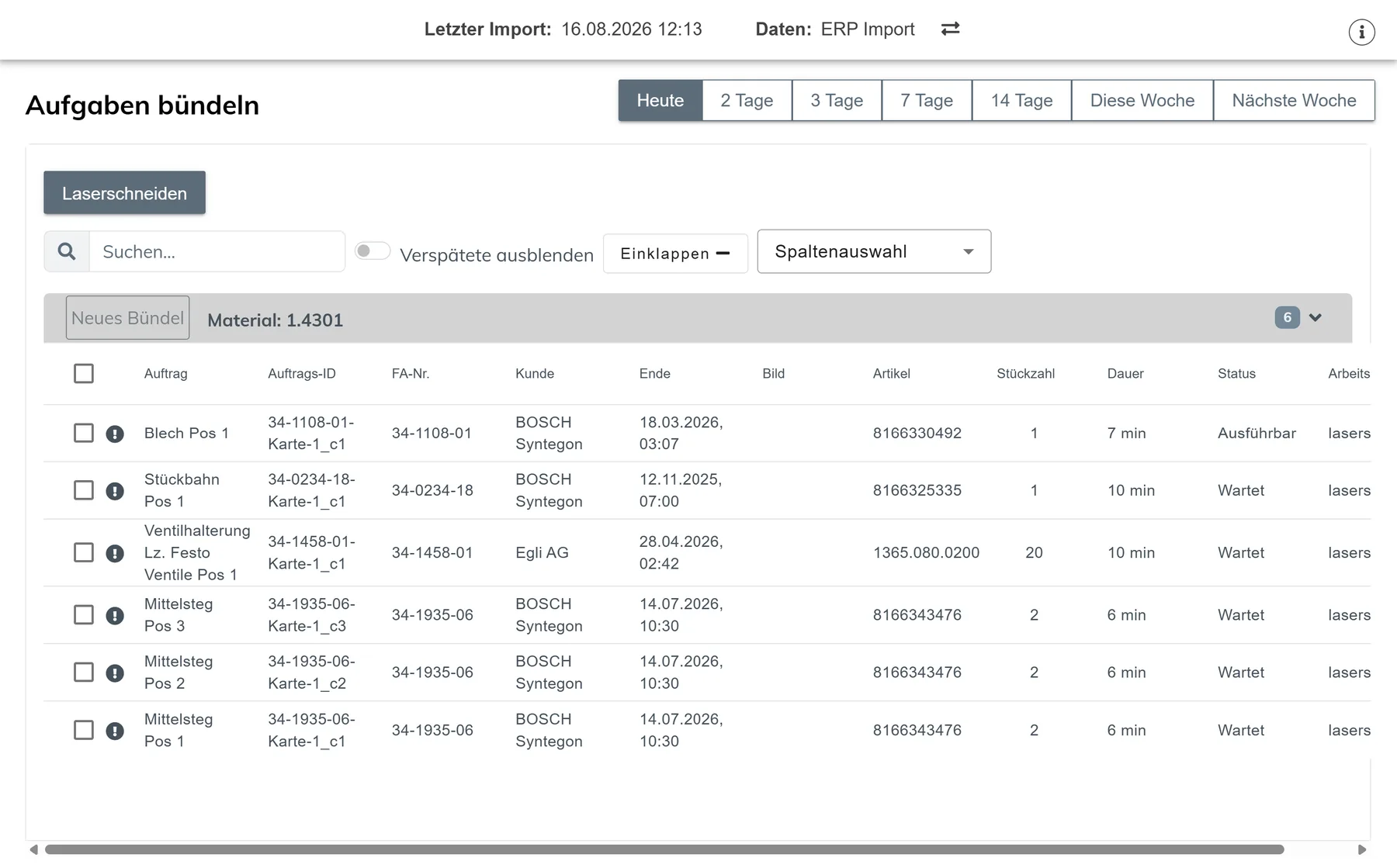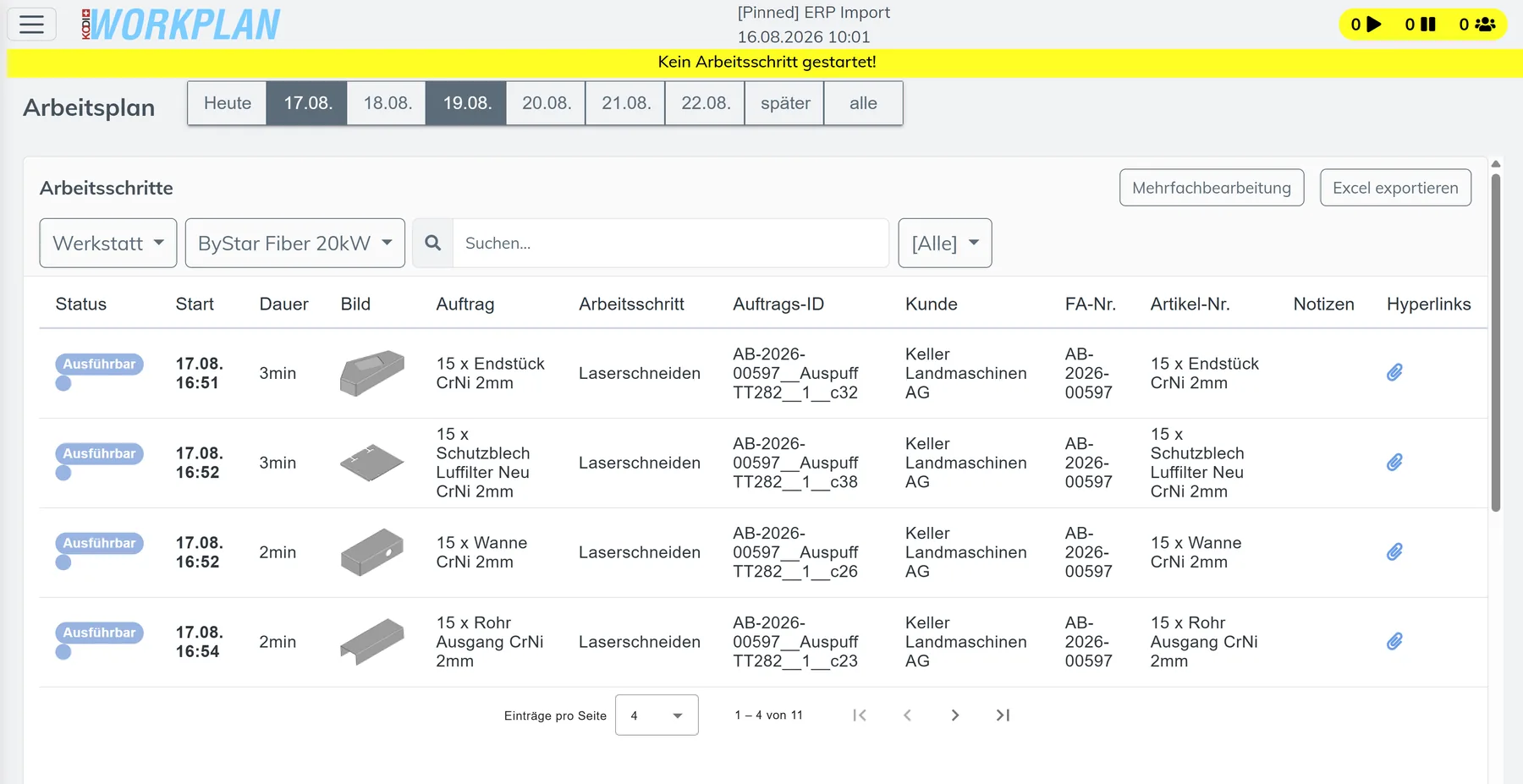




See overload before it happens.
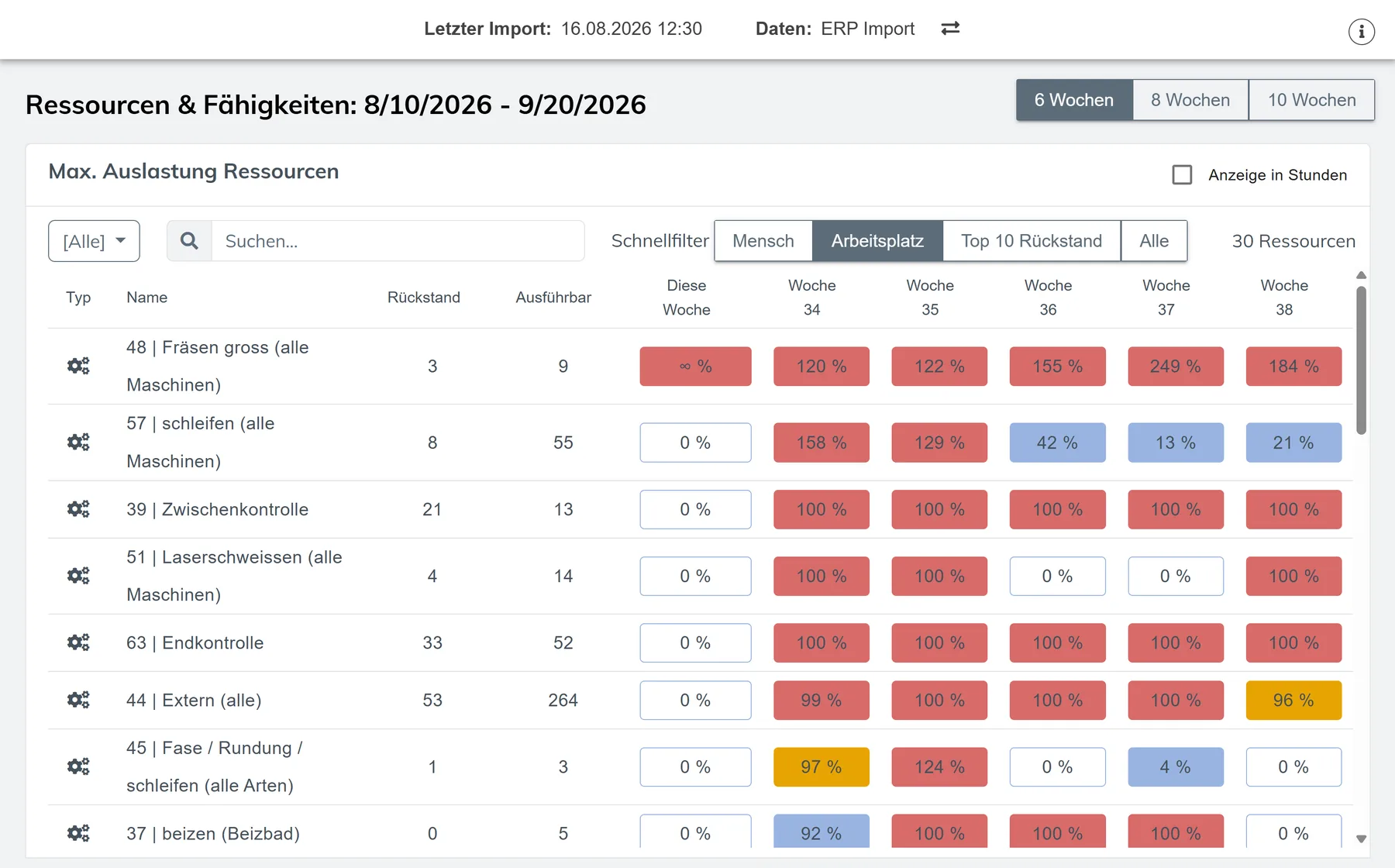
Detailed scheduling follows straight after the ERP. You see the load per resource and workstation.
- Weekly load: overload in red, free capacity in blue.
- Quick filters by person, workstation or the 10 largest backlogs.
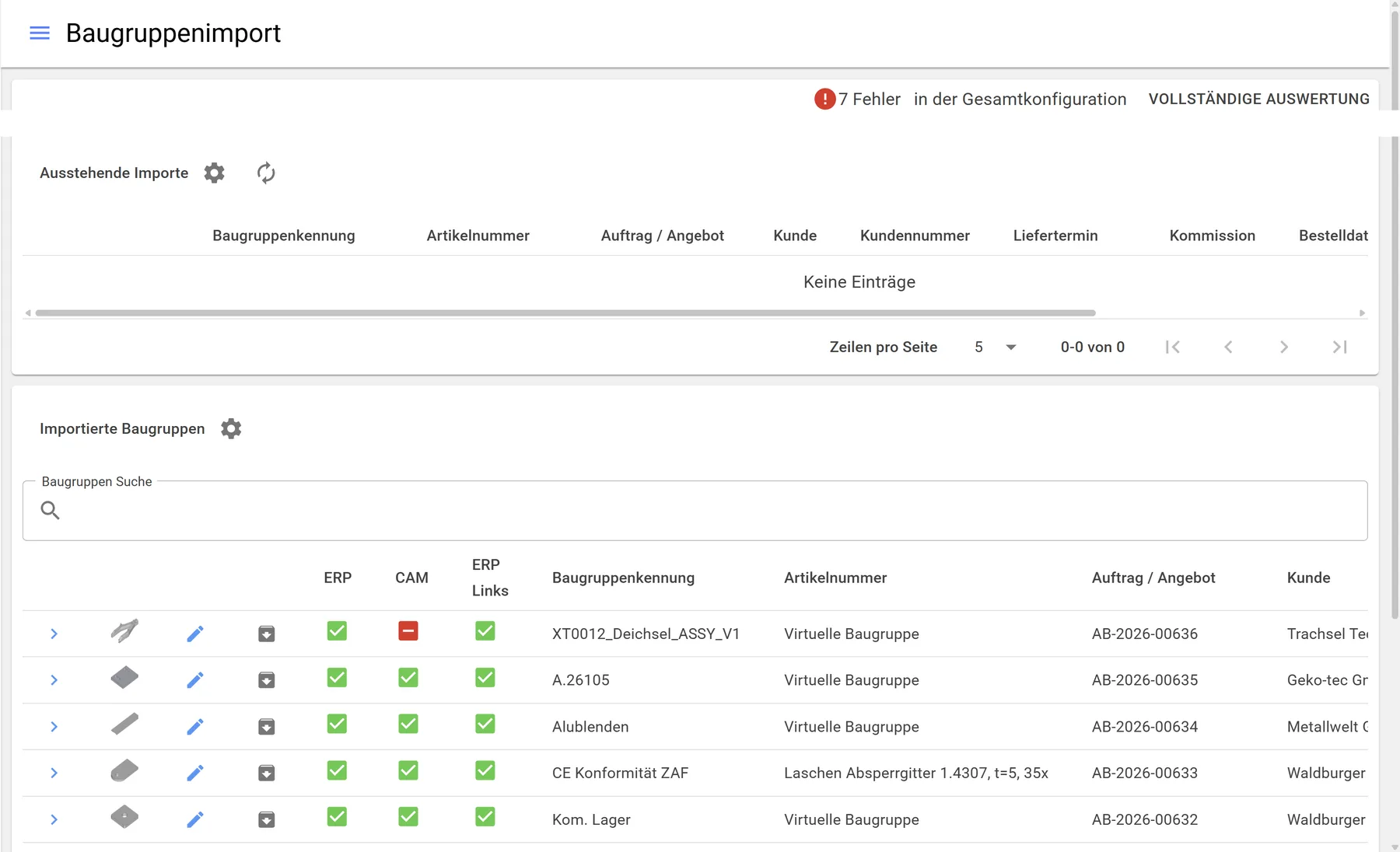
- Import ERP jobs, drive CAM remotely, check feasibility.